How to Handle Wedding Guest Photos Without Losing Control
A better system than a shared Drive folder or Facebook group for wedding guest photos, one that protects your brand and keeps couples coming back to you.
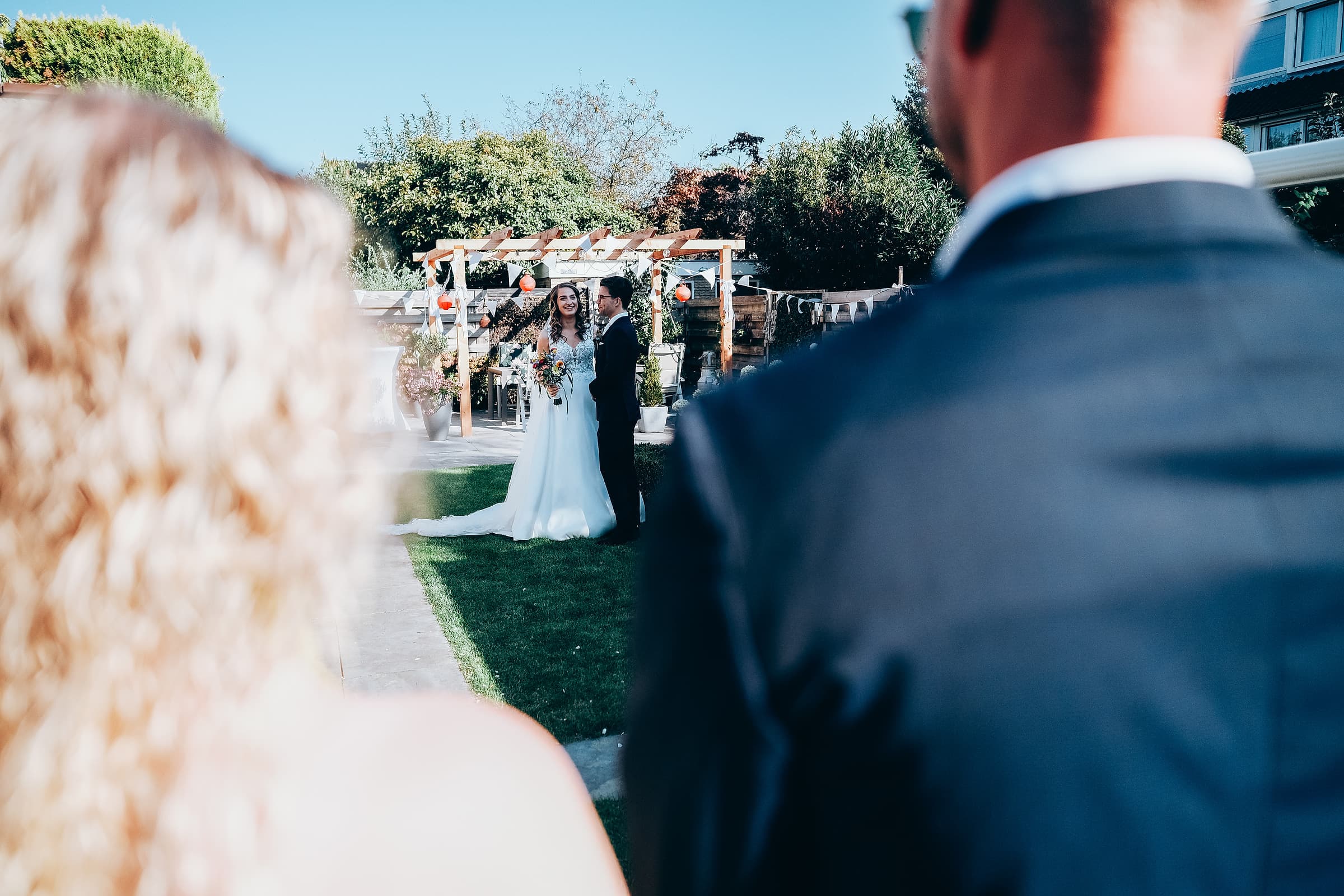
Somewhere between the ceremony and the last dance, a well-meaning aunt creates a Facebook group, or the maid of honor spins up a shared Google Drive folder, and just like that, the couple's wedding photos live in three different places that have nothing to do with you. Your beautifully edited gallery sits in one tab. A blurry phone photo from table six sits in another. Neither one feels like the finished product you were hired to deliver.
This is not a small annoyance. It is a missed opportunity, both for the couple and for your business.
Why the DIY approach quietly hurts you
A scattered guest-photo system creates three problems at once, and all three work against the photographer who did the actual job.
- It dilutes your work. When a couple's memory of their wedding is spread across a Facebook group, a Drive folder, and your gallery link, your photography stops being the story of the day and becomes one folder among several.
- It has no expiration date and no brand. A Google Drive folder shared by a bridesmaid gets forgotten within a year. Nobody's name is on it, and nobody thinks to credit the photographer whose actual work anchors the memory.
- It costs you referrals. Every guest who scrolls through a chaotic Facebook group never sees your name, your website, or your booking link. Every guest who opens a polished, branded story does.
Give guests one place to look, and one place to add to it
The fix is not asking guests to stop taking photos, that battle is already lost the moment a phone comes out during the first dance. The fix is giving them one obvious, better place to put them, one that sits right next to the photos you actually delivered.
Three things make a guest photo system worth using instead of the group chat:
- It has to be effortless. If adding a photo requires downloading an app, creating an account, or hunting for a link buried in a group chat, most guests will not bother. A single link that opens straight into the story works because there is nothing to figure out.
- It has to sit next to your work, not away from it. Guest contributions should live alongside the professional gallery or story, not in a separate silo the couple has to remember exists.
- It has to last. A story the couple can revisit on their first anniversary, with your photos and their guests' photos still living together in one place, is worth infinitely more than a Drive folder nobody opens again.

Let guests add to the story, not compete with it
A Revivre story ships with a built-in guestbook, so friends and family can drop in a photo or a message right inside the same page the couple is already sharing. No separate app, no forgotten folder, no group chat competing with the work you were hired to deliver.
Set the expectation before the wedding, not after
The best time to introduce a guest photo system is not the week after the wedding, when everyone has already created their own folder out of habit. Set it up before the day:
- Mention it in your welcome guide or timeline email to the couple, so they can share it with their planner or officiant to announce.
- Add a small sign at the reception with a QR code, next to the guestbook table if there is one, so it is a natural extension of a tradition guests already understand.
- Ask the DJ or MC to say it once, casually, the same way they announce the hashtag. One mention at the right moment reaches more guests than a dozen text reminders after the fact.
What this actually protects
This is not about controlling every photo taken at a wedding, that was never realistic. It is about making sure the couple's single lasting memory of the day, the one they revisit, forward to relatives, and think of when someone asks who shot their wedding, is the one with your name on it. A guest photo system that lives inside your delivered work does that quietly, without asking the couple to manage a thing.
Give guests somewhere better to put their photos than a group chat, and your work stays the center of the story instead of one tab among several.